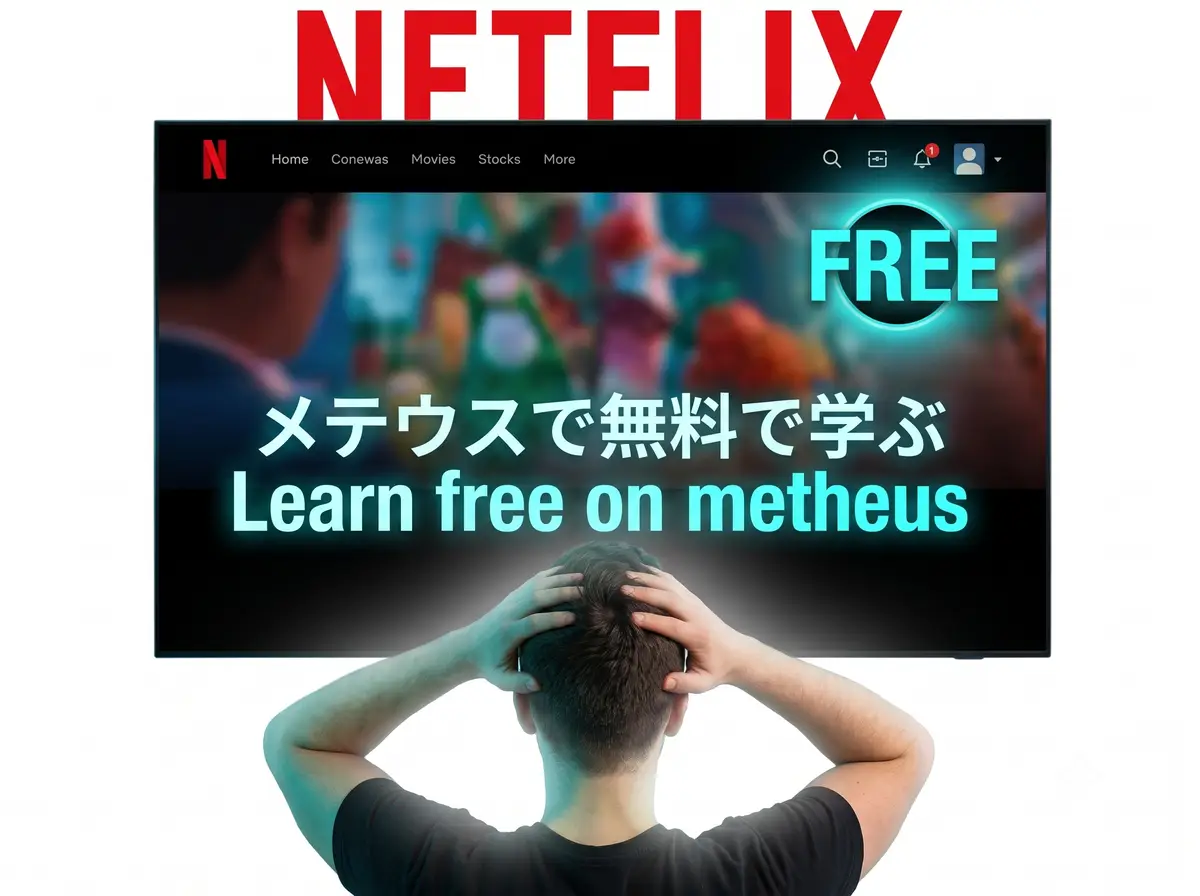
Watching foreign films and television series is one of the most enjoyable ways to acquire a new language. However, simply watching Netflix with normal English subtitles does not lead to fluency. Your brain naturally ignores the foreign audio and focuses entirely on reading the English text.
To make video immersion work, you need interactive dual subtitles, instant hover dictionary lookups, and a way to save new words for review. In this step-by-step masterclass, we explain how to build a highly effective language learning workflow on Netflix for free in 2026 using Metheus.
The 3 Pillars of Video Immersion
To turn Netflix into a language classroom, you must set up three things:
1. Dual Subtitles (Target + Native)
Having both subtitles displayed simultaneously allows you to listen to the foreign audio, try to parse it using the target language subtitles, and immediately verify your understanding using the translation below it.
2. Click-to-Lookup Dictionary
Pausing a video to type a word into Google Translate or a physical dictionary kills your immersion momentum. You need to hover or click on any word inside the video subtitles to get an instant pop-up definition.
3. Sentence Mining
When you find a useful sentence containing one new word, you must save it. A good flashcard should contain the target sentence, the dictionary definition, the audio clip, and a visual screenshot of the scene for context.

Learn Languages with YouTube
Watch videos in your target language, auto-capture words into flashcards, and track your progress — all in one place.
Start Free →Step-by-Step Guide: Setting Up Metheus on Netflix
Unlike traditional setups that require installing three different extensions and connecting them to desktop Anki, Metheus does everything in one click, and the free plan covers it.
Step 1: Install the Metheus Browser Extension
Go to the Chrome Web Store (or Firefox Add-ons) and install the free Metheus extension. Once installed, log in with your Metheus account.
Step 2: Open Netflix and Configure Subtitles
Load your favorite foreign-language show on Netflix. You will see the Metheus subtitle overlay appear below the player. Select your target language and your native language. You can adjust the font size and layouts to fit your preferences.
Step 3: Mine Sentences as You Watch
As the characters speak, hover over words to get instant translations. When you hit a sentence containing a word you want to study:
-
Pause the video.
-
Click the '+' icon next to the subtitle line.
-
Metheus will automatically capture the sentence text, dictionary definition, the exact audio frame, and a video frame screenshot.
Step 4: Review Your Decks Daily
Open the Metheus web app on your phone or computer. The built-in spaced repetition system (SRS) will schedule your captured cards automatically. Spend 5-10 minutes every day reviewing them to lock the new vocabulary into your long-term memory.
Why Metheus Beats Paid Competitors
Other platforms like Language Reactor and Migaku charge subscription fees or have highly technical setups. Metheus is open-source, has a complete free plan, and works out of the box with zero complex configurations. It is the cleanest way to learn from native media.
Start Learning with Netflix Free
Turn your Netflix bingeing into a productive study session. Sign up for Metheus today.
FAQ
Can I use Metheus with YouTube as well?
Yes. The same extension works seamlessly on YouTube, giving you interactive subtitles and dictionary lookups on thousands of videos.
Is it legal to mine sentences from Netflix?
Yes. The extension simply reads the subtitle files loaded by the browser and captures an image frame for personal educational study purposes, which falls under fair use.
Language learning in 2026 isn't about finishing daily streaks. The fastest path to fluency combines three elements: comprehensible input from real media you enjoy, active vocabulary capture while consuming that content, and spaced repetition to lock words into long-term memory. Gamified apps build the habit. Immersion tools build the fluency. The most effective learners use both—in that order.
Start with Metheus
Watch videos in your target language, auto-capture words into flashcards, and track your progress — all in one place.
Get Started Free →