Netflix and YouTube get most of the attention in language learning circles, but Amazon Prime Video is quietly one of the best streaming libraries for immersion. Its catalog is full of original series dubbed into a dozen languages, it includes a deep collection of movies with excellent dubbing, and its X-Ray feature makes pausing to check actors and music trivial. If you are learning German, Spanish, Japanese, French, or Korean, Prime Video is likely sitting in your subscription list and doing nothing for your language goals. This guide shows you how to fix that with a subtitle strategy and a simple mining workflow.
Why Prime Video Is a Hidden Gem for Language Learners
Prime Video has three advantages for learners. First, Amazon dubs its own originals into many languages: a German user can watch a French thriller dubbed in German, and a Spanish speaker can find Korean movies with excellent Spanish dubbing. Second, subtitles on Prime usually match the audio tracks closely, which helps beginners connect sound and text. Third, the catalog includes plenty of family-friendly animated movies and comedies, ideal for A2-B1 learners who are not ready for dense drama dialogue. The biggest downside is technical: Prime's web player is not friendly to the classic browser extensions that only support Netflix and YouTube.
The Problem: Most Language Extensions Don't Work on Prime
This is the question learners keep asking in forums: "Language Reactor doesn't work on websites other than Netflix and YouTube — how can I make subtitle learning work on Amazon Prime?" The frustration is real: you find the perfect show, set the audio to your target language, and then realize that the lookup-and-mining extension that works everywhere else simply refuses to activate on Prime's player. That gap is exactly why many learners end up watching the show without interacting with it. It works, but it leaves vocabulary acquisition to chance instead of turning the show into study material.
Subtitle Strategies: Which Combination Should You Use?
| Level | Audio | Subtitles | Goal |
|---|---|---|---|
| Beginner (A1-A2) | Native target audio | Native target subtitles | Match sounds to words |
| Lower intermediate | Native target audio | English or native subtitles | Follow the plot while acquiring rhythm |
| Intermediate (B1-B2) | Native target audio | Native target subtitles | Read, listen, and mine new words |
| Advanced | Native target audio | None | Pure listening comprehension |

Learn Languages with YouTube
Watch videos in your target language, auto-capture words into flashcards, and track your progress — all in one place.
Start Free →How to Set Up Your Prime Video Immersion Session
- Pick the right show: start with a series you have already seen or a title with simple dialogue, like a comedy or an animated movie.
- Set the audio to your target language: look in the audio settings, not the subtitle settings — the two are separate in Prime.
- Choose subtitles by level: native-language subtitles for beginners, and turn them off for advanced listening practice.
- Do two passes: watch once for the plot with help, then rewatch a favorite scene with the full sentence visible.
- Mine only the best lines: instead of every unknown word, capture the sentences you can almost understand — those are the ones your brain is ready to acquire.
How to Mine Vocabulary from Prime Video Without Breaking Playback
Once your audio and subtitles are in your target language, the next step is capturing vocabulary. The hard part is that pausing to copy subtitles destroys the experience. The Metheus browser extension is built for exactly this situation: it works with a wide range of web video players — including Amazon Prime Video — so you can click any word in the subtitles, get an instant translation tuned to that specific sentence, and save a rich flashcard with the line, a screenshot, and the native audio clip. Keyboard shortcuts let you replay a line as many times as you need, which is ideal for the kind of repetitive listening that drills pronunciation. You get the depth of sentence mining without the friction that makes people abandon it.
Recommended Prime Video Titles by Language
| Language | Great starting point | Why it works |
|---|---|---|
| German | Dark (with German audio) | Clear, deliberate dialogue in the early seasons |
| Spanish | El Cid or animated family films | Neutral accent and slower pacing |
| Japanese | Anime with Japanese audio | Everyday conversational patterns |
| French | French originals with French audio | Natural dialogue and excellent dubbing quality |
| Korean | K-dramas available in your region | High-frequency colloquial expressions |
The Bottom Line: Turn Prime Video into a Classroom
Prime Video has everything a learner needs: rich catalogs, high-quality dubbing, and reliable subtitles. What it lacks is the missing link between watching and studying — the tool that turns subtitles into flashcards. With a subtitle strategy matched to your level and the right extension, a casual evening of streaming becomes structured immersion. For a deeper look at why contextual translation beats generic dictionaries for this kind of work, see our guide on contextual dictionaries.
Start Free with Metheus and turn every Prime Video session into a language lesson.
FAQ
Can I use the Metheus extension with Amazon Prime Video?
Yes. The Metheus browser extension works with a wide range of web video players, including Amazon Prime Video, so you can translate subtitles instantly and save flashcards without pausing playback.
Does Prime Video support dual subtitles?
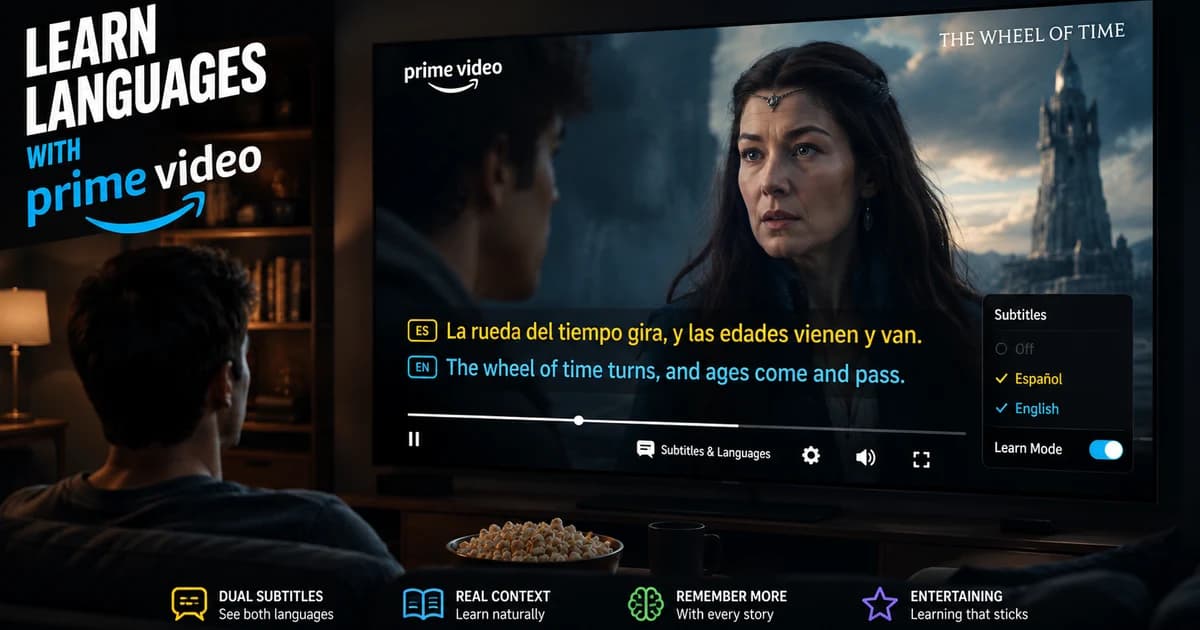
Not natively. Prime Video offers separate audio and subtitle tracks, but it does not display two subtitle languages at once. That is why tools like the Metheus extension that overlay translations are useful.
What level do I need to start learning with Prime Video?
You can start around A2 with native audio and subtitles in your target language, using comedies and animated movies. B1-B2 learners get the most out of sentence mining from series.
Language learning in 2026 isn't about finishing daily streaks. The fastest path to fluency combines three elements: comprehensible input from real media you enjoy, active vocabulary capture while consuming that content, and spaced repetition to lock words into long-term memory. Gamified apps build the habit. Immersion tools build the fluency. The most effective learners use both—in that order.
Start with Metheus
Watch videos in your target language, auto-capture words into flashcards, and track your progress — all in one place.
Get Started Free →