Install Metheus on Your Phone (iPhone and Android)
Add the web app to your home screen for full-screen reviews, offline study and a lower risk of the browser clearing your data.
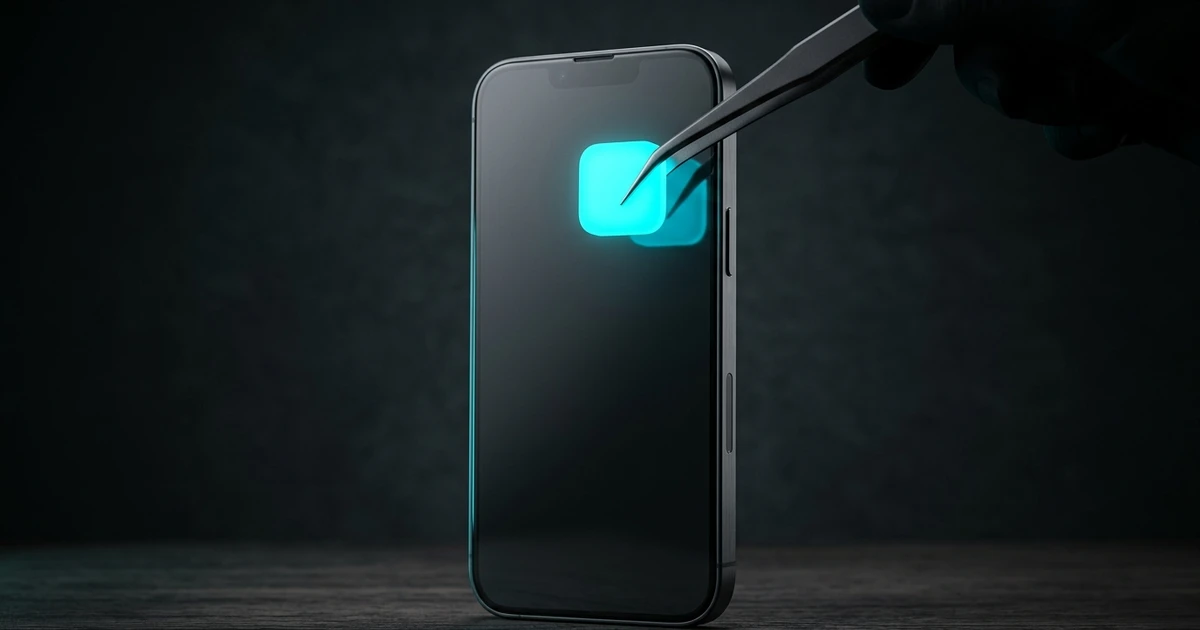
How do I add Metheus to my home screen?
- 1
Open metheus.app and sign in
Use Safari on iPhone or iPad, and Chrome on Android. Sign in with the same account you use on your computer.
- 2
On iPhone or iPad
Tap the Share button, scroll and choose Add to Home Screen, then tap Add.
- 3
On Android
Open the Chrome menu (three dots) and choose Install app or Add to home screen, then confirm.
- 4
Open it from the new icon
It opens full screen, without the browser bar, like an app.
The installed app and the browser tab share the same account. If something looks out of date, check the sync status before studying.
What works on a phone and what needs a computer?
| Task | Phone | Computer |
|---|---|---|
| Daily reviews (FSRS) | Yes, also offline | Yes |
| Course lessons | Yes | Yes |
| Library: reading and videos | Yes | Yes |
| Saving sentences from Netflix or YouTube with the extension | No | Yes, in Chrome, Firefox or Edge |
| Importing Anki decks and files | Possible, easier on a computer | Yes |
Why install instead of using a browser tab?
Besides the full screen and the icon, installing helps keep your data. Phone browsers can clear site data when storage runs low; the app warns you when that risk exists and suggests installing it on your home screen and keeping your account synced, since the cloud copy is the one to trust.
Coming from Anki on iPhone?
Metheus imports Anki decks with their audio and images, but it does not sync with AnkiWeb, and Anki review history does not carry over.
Import Anki decks →Sync and offline study
What each sync status means and how to study without a connection.